
How to Prevent Double Bookings Across Platforms

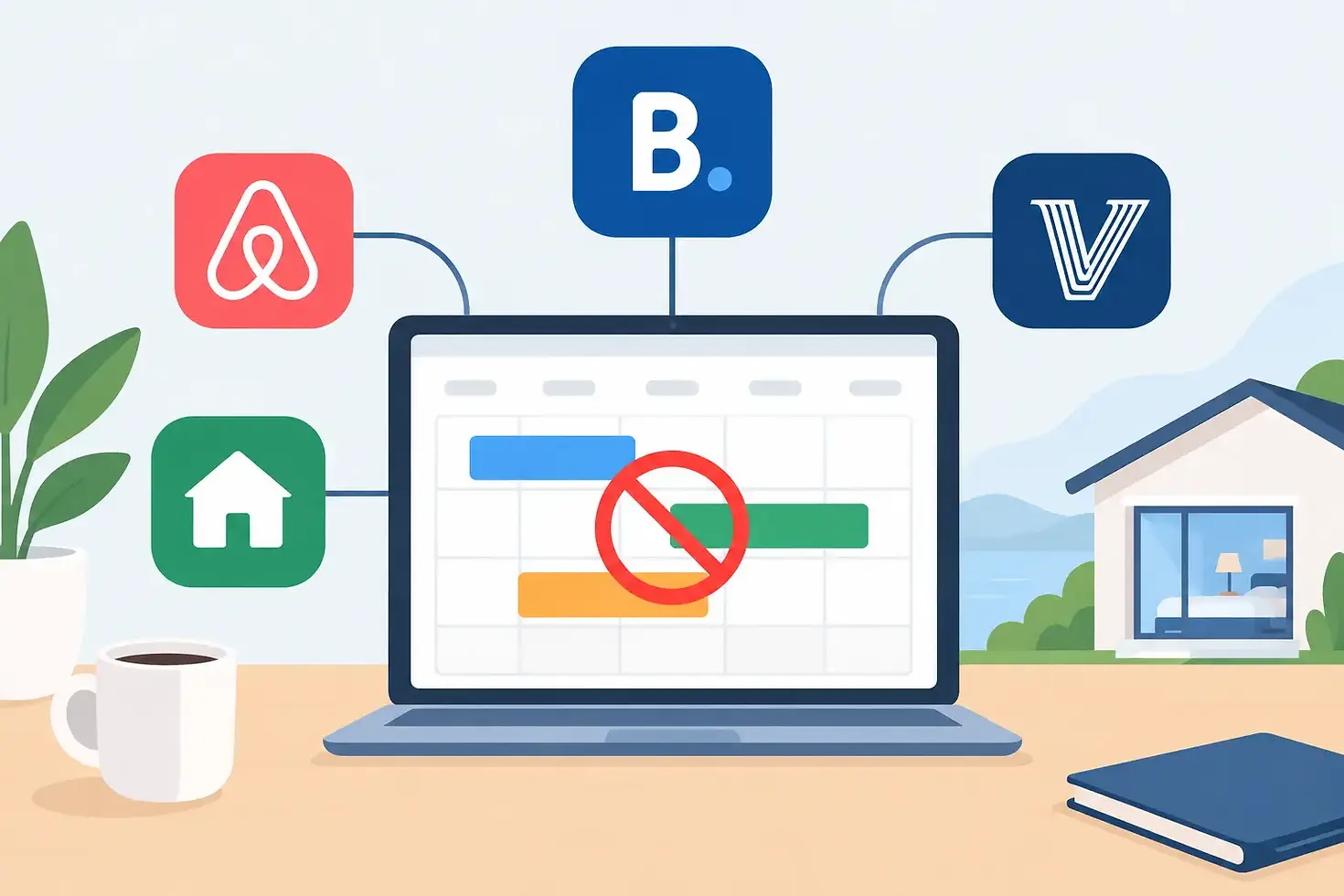
A guest books your Airbnb at 10:02 a.m. At 10:04, a Vrbo reservation lands for the same dates. Now you are calling guests, offering refunds, scrambling to relocate someone, and watching a five-star operation turn into a preventable mess. To prevent double bookings across platforms, you need more than a calendar connection. You need one operating system for inventory, rules, and exceptions.
Double bookings are not just an annoying admin error. They can cost you revenue, trigger cancellation penalties, damage your listing rank, and create the kind of guest experience that leads to bad reviews before check-in ever happens. The good news: most overlap issues come from a short list of operational gaps that can be fixed.
Why Double Bookings Happen in Short-Term Rentals
The obvious culprit is delayed calendar synchronization. When a reservation is made on one channel, the blocked dates may take several minutes - sometimes longer - to appear on another. In a high-demand market, a few minutes is enough for two guests to book the same stay.
But hosts often miss the less obvious causes. A direct booking calendar may not be connected to your OTAs. One team member may manually open dates on Airbnb without realizing a longer Vrbo reservation is pending. Minimum-stay rules may create an available gap that looks bookable on one platform but not another. A canceled reservation may fail to reopen correctly, or an imported iCal feed may quietly stop updating.
The common theme is fragmented control. Each platform is operating from its own version of your availability instead of pulling from one reliable source of truth.
Prevent Double Bookings Across Platforms With a Channel Manager
For a single listing receiving occasional reservations, native calendar syncing can work as a temporary safeguard. For a host with multiple listings, direct bookings, multiple OTAs, or plans to scale, it is not enough.
A channel manager connects your property management system to booking channels and pushes availability, rates, restrictions, and reservation details from one central calendar. When a guest books, the system closes those dates across connected channels automatically. The objective is not just convenience. It is reducing the window where two guests can claim the same nights.
Choose a channel manager based on the platforms you actually use, not on a feature list that looks impressive in a demo. Confirm that it supports two-way connections with your channels, sends near-real-time updates, manages rates and minimum stays, and gives you a clear activity log when something fails.
There is a trade-off. Channel management software adds a monthly cost and requires disciplined setup. But a single high-season relocation, refund, or account penalty can cost more than months of software fees. For a growing portfolio, centralizing inventory is an operational requirement, not an optional upgrade.
Make One Calendar the Source of Truth
Your channel manager or property management system should be the only place where you deliberately manage availability. That means owners, virtual assistants, cleaners, and cohosts need to know exactly where to look before approving a date change or promising an early check-in.
Avoid editing availability independently on multiple OTAs except when a platform-specific issue requires it. Manual overrides are sometimes necessary, but they should be documented and checked after the issue is resolved. The more places you can open or close dates, the more likely someone will create a conflict.
This is where many hobby hosts get trapped. They treat each listing dashboard as a separate workspace. Professional operators treat every channel as a distribution outlet for the same inventory.
Configure Your Booking Rules Before You Open Dates
Calendar connections cannot compensate for inconsistent rules. Before listing across channels, set the same foundational rules in your central system: maximum stay, minimum stay, advance notice, booking window, preparation time, and check-in or checkout restrictions.
Preparation time deserves special attention. If your turnover team needs a full day after checkout, do not rely on a cleaner to catch an 11:00 a.m. checkout followed by a 3:00 p.m. arrival. Build that buffer into the calendar rules. The same applies when maintenance, inspections, owner stays, or deep cleans are planned.
For multi-unit operators, confirm that each listing has its own inventory mapping. A two-bedroom property, a rentable one-bedroom suite, and a full-home listing cannot all be available for the same dates unless your system is configured for split inventory correctly. This is one of the few situations where you may need advanced PMS support rather than a basic channel manager.
Also decide whether instant booking makes sense for every channel. Instant Book usually improves conversion, but it demands confidence in your calendar, house rules, and response systems. If your setup is new or you are still migrating tools, a short period of request-to-book can provide an extra review layer. Do not leave it that way forever just because it feels safer. Fix the system, then let qualified guests book quickly.
Build a Daily Calendar Control Routine
Automation reduces mistakes, but it does not remove the need for oversight. A five-minute daily calendar review can catch sync failures before they become guest emergencies.
Check new reservations against your central calendar each morning. Look for overlapping dates, unexpected blocks, duplicate reservations, and gaps caused by incorrect minimum-stay settings. Review any manual changes made by team members, especially after owner bookings or maintenance blocks.
Set alerts for new bookings, cancellations, failed integrations, and calendar changes. Your response goal should be measured in minutes, not days. If a channel connection breaks on Friday afternoon and no one notices until Monday, you have left an entire weekend exposed.
A simple operating rule helps: no calendar change is complete until it is verified in the source system and the affected booking channel. That extra 30 seconds protects far more revenue than it costs.
Test Your Setup Like a Guest Would
Do not assume a green check mark means your integration works. Test it before opening inventory widely.
First, block a future date in your central calendar and confirm that it closes on every OTA. Next, create a test reservation or use a controlled booking process to confirm the reservation appears in the PMS and blocks every connected channel. Then cancel the test and verify that availability returns only where it should.
Repeat this test after changing software, adding a new channel, creating a new listing, or altering unit configurations. A connection that worked last quarter can fail after a platform update, expired authorization, or mapping change.
Document the test in your operations playbook. Rare Rentals teaches hosts to treat repeatable checks like this as business infrastructure, not busywork. The host who knows where an error occurred can fix it. The host who guesses is stuck reacting to guest complaints.
What to Do If You Still Get a Double Booking
Even well-run operations can face a rare conflict. Your response matters as much as your prevention plan.
Act immediately. Confirm which reservation is valid based on booking timestamps, channel rules, payment status, and your written policies. Do not cancel impulsively from a platform dashboard before you understand the consequences. In some cases, support can help resolve the issue or protect your account if a documented technical failure caused the overlap.
Contact the affected guest directly, acknowledge the problem without excuses, and present real alternatives. If you have another comparable unit, offer it. If not, identify a nearby option and consider covering the difference when the economics and platform policy justify it. Guests remember speed, ownership, and a concrete solution far more than a polished apology.
Then perform a short root-cause review. Was the sync delayed? Did an authorization expire? Did a team member override availability? Did your direct-booking calendar fail to connect? Fix the process before reopening dates. A double booking should create a system improvement, not just a stressful story for your next host meetup.
Your calendar is inventory, and inventory is revenue. Protect it with one source of truth, aligned rules, active alerts, and a team process that does not depend on someone remembering the right tab. That is how you grow bookings without growing the chaos behind them.


Comments